Cart
0
Power ON/OFF Switch for Desktop Computer. PC Motherboard Boot Button. Gaming Room Decoration
Free Standard Shipping Across USA
Couldn't load pickup availability
Brand: Homenkitchenshop
Type:
Sku: 1005010593193204-NZ799
Available : Instock
Sold by HomeNKitchenShop, an authorized reseller.
Returns accepted within 30 days | support@homenkitchenshop.com
Shipping Information
- Free Standard Shipping — United States only
- Processing Time: 1-3 business days
- Estimated Delivery: 4-7 business days after dispatch
- Carefully packed to keep your home & kitchen items safe during transit
- Tracking number sent via email once dispatched
Returns & Refund
Returns accepted within 30 days of delivery.
Damaged or Defective Item
Free return shipping + replacement or full refund
Wrong Item Received
Free return shipping + replacement or full refund
Change of Mind
Return shipping at customer's expense · Item must be unused, unwashed & in original packaging
All returns require a Return Authorization (RA) number before sending.
View Full Return & Refund Policy
Safety & Compliance
⚠️
California Proposition 65 Warning
Some products sold on this website may expose you to chemicals known to the State of California to cause cancer, birth defects, or other reproductive harm.
www.P65Warnings.ca.gov
🍳
Kitchen & Food Safety Advisory
Always follow manufacturer instructions for use, cleaning, and maximum temperature ratings. Do not use cookware or utensils that are cracked, chipped, or damaged.
Keep sharp kitchen tools out of reach of children. Use heat-resistant gloves when handling hot items.
🏠
Product Care & Usage Notice
Colors and finishes may vary slightly from product images due to screen settings and natural material differences. Follow care instructions to maintain product quality and longevity.
Not all products are suitable for outdoor use unless explicitly stated.
Secure payment
Guarantee safe checkout

Power ON/OFF Switch for Desktop Computer. PC Motherboard Boot Button. Gaming Room Decoration - NZ799
$32.79

SPECIFICATIONS
Brand Name: NONE
Choice: yes
Electronic: Yes
Finish Type: Matte
High-concerned chemical: none
Is Smart Device: no
Material: Plastic
Occasion: Christmas,Valentine's Day,Wedding,Halloween,Easter,Birthday,New Year,Graduation,anniversary,Back to School,Father's Day,Thanksgiving,Teachers' Day,Carnival
Origin: Mainland China
Recommend Age: 14+
Style: Modern Style
Theme: Sports
is_customized: No
>>>Be Noted:
1, This device requires experience in desktop computer assembly. Not recommended for green-hand.
2, This device can be used on DESKTOP computer only ! NOT for laptop and integrated computer.
Please confirm if your PC has interfaces for such device connection.
3, You must remove all powers when installing the devices on the computer.
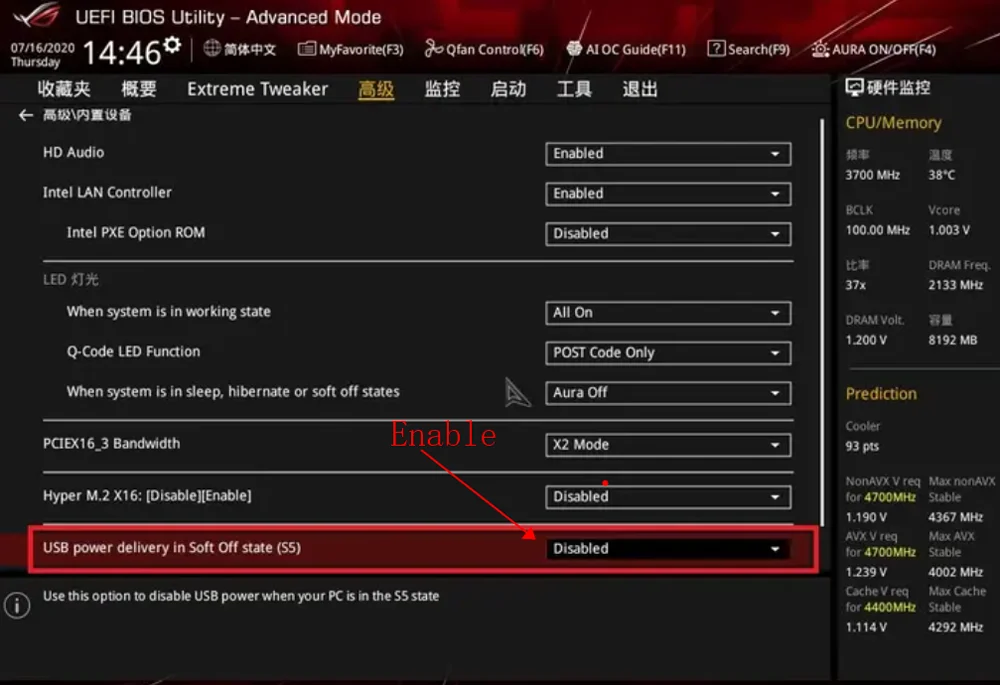
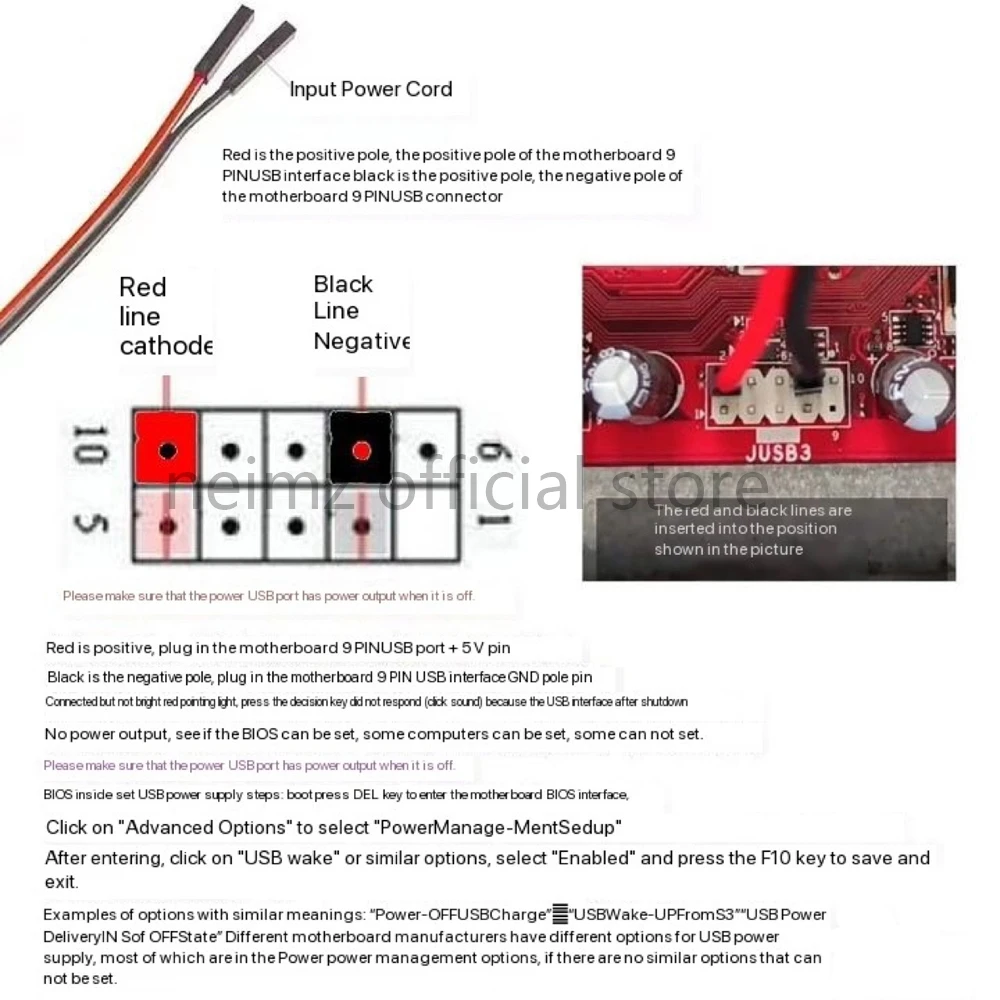
4, Your computer motherboard must keep electrified when the Computer shutdown. Remember to Enable it in the PC motherboard setting. Check and set follow below picture guiding. If your computer don't support that, the power button can't work to power on the computer. Because of lacking of working power.
>>>Package Includeds:
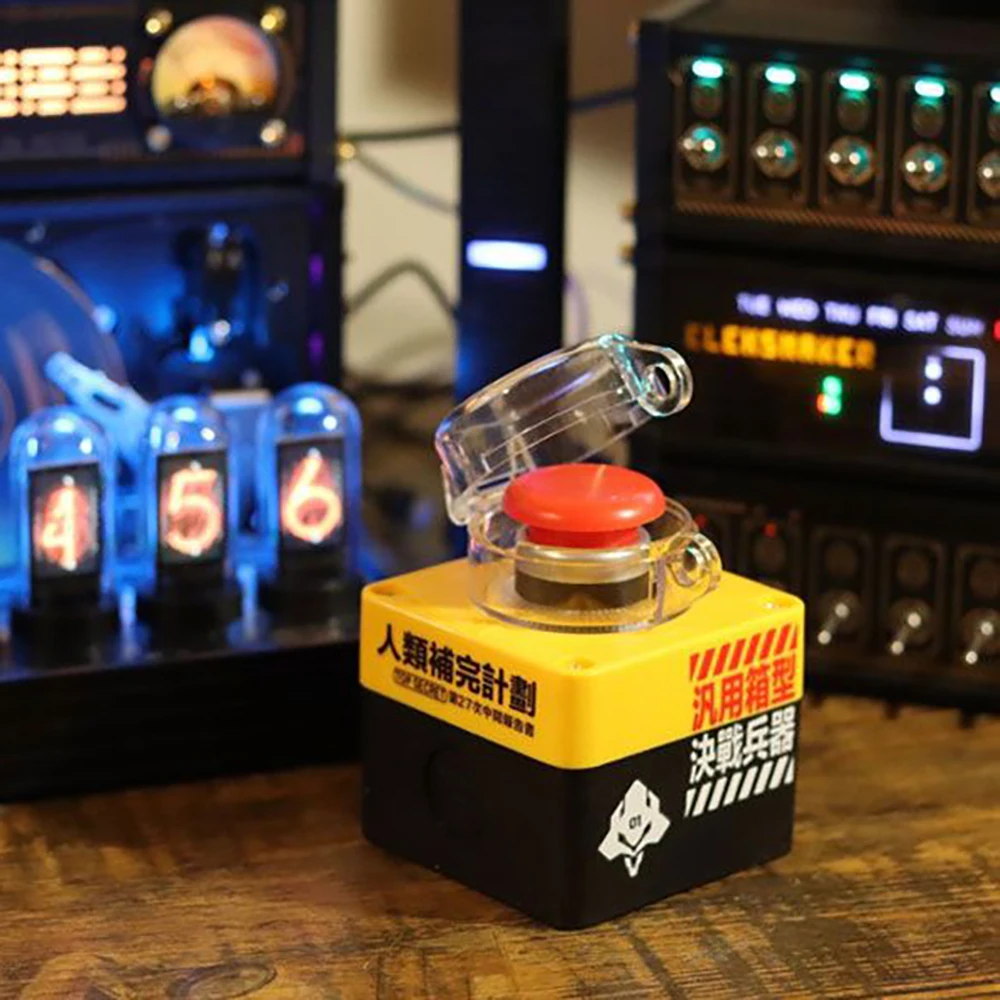
*1 piece of the button device .
With battery installed, which can lasts years long. You can replace the battery when power runs out.
*1 piece of signal receiver device with wires for connection. Work with PC motherboard power after connection.
>>>Button size: 7 * 7 * 9.6 cm
Net Weight: 0.2kg
>>> Effective distance: 10 meters
>>>Operating Tutorial for reference:
Usual Structural Diagram of PC motherboard
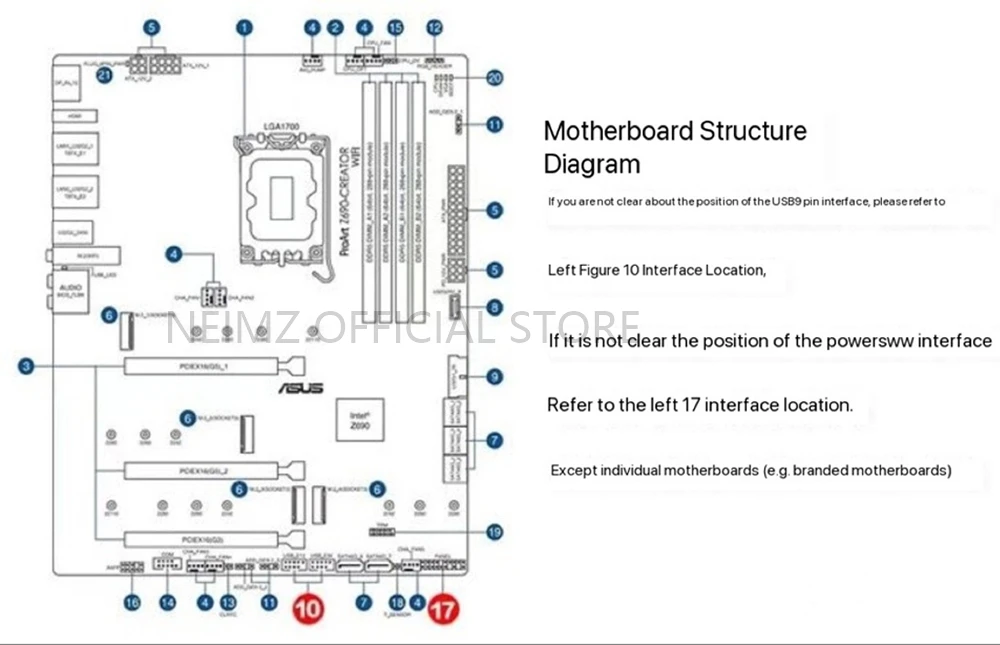
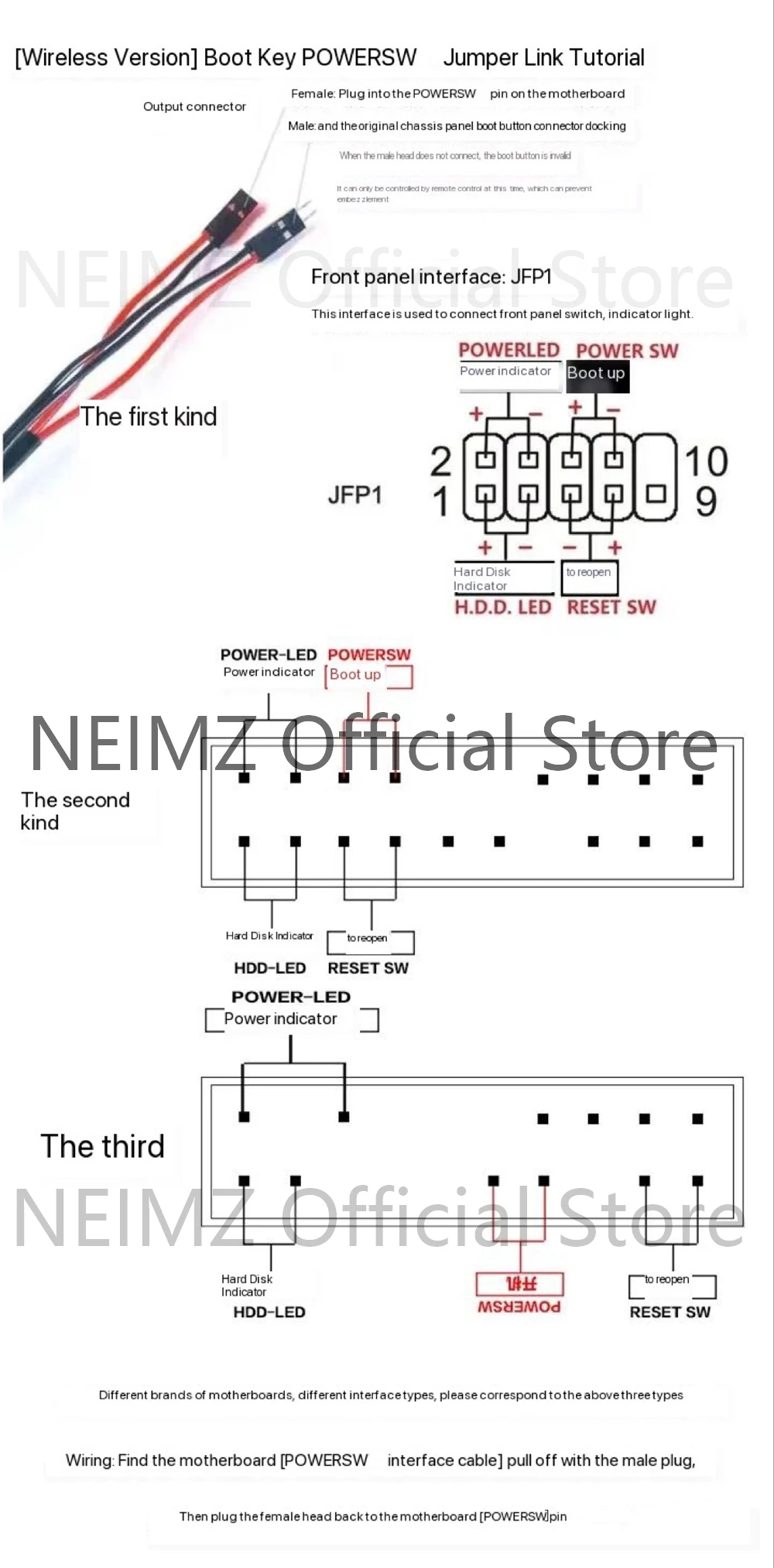
Step 1: Link the POWERSW power jumper. (different interfaces on diffetent motherboards)
Step 2: Link the USB9Pin Power

FAQs:
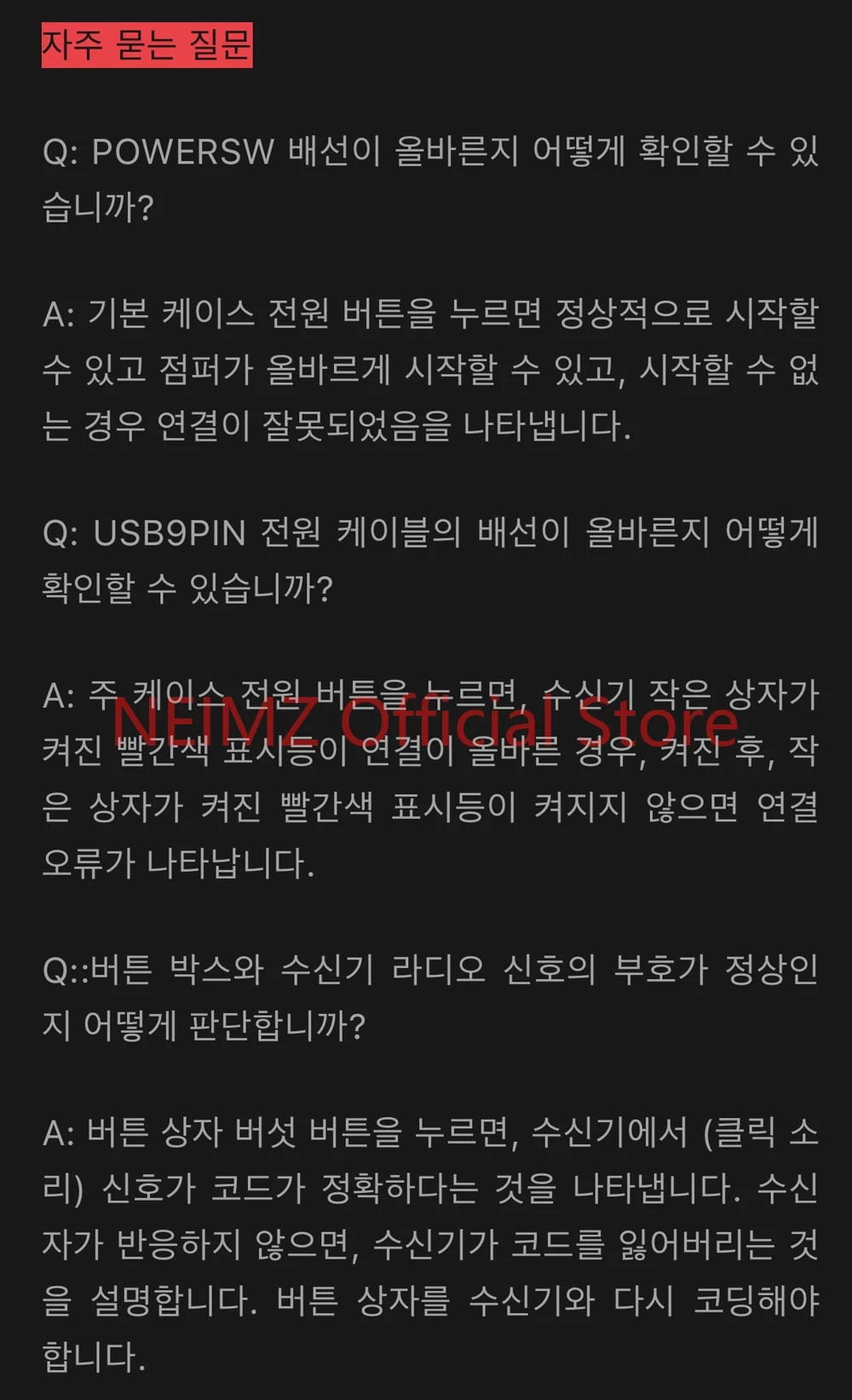
Q: How can I tell if POWERSW wiring is correct?
A: Press the power button of the main cabinet, it can boot normally that the jumper is correct, if it cannot boot, it means that the wiring is wrong.
Q: How to determine whether the USB9PIN power supply line wiring is correct
A: Press the main cabinet power button after the boot, the receiver small box has a bright red pointing light that wiring is correct, if the boot, the small box is not bright red pointing light that wiring is wrong.
Q:How to determine whether the button box and the receiver RF signal are normal
A: After pressing the button box mushroom button, the receiver sends out (click sound) that the signal is correct, if the receiver does not respond, then the receiver loses the code, and the button box needs to be re-coded with the receiver.
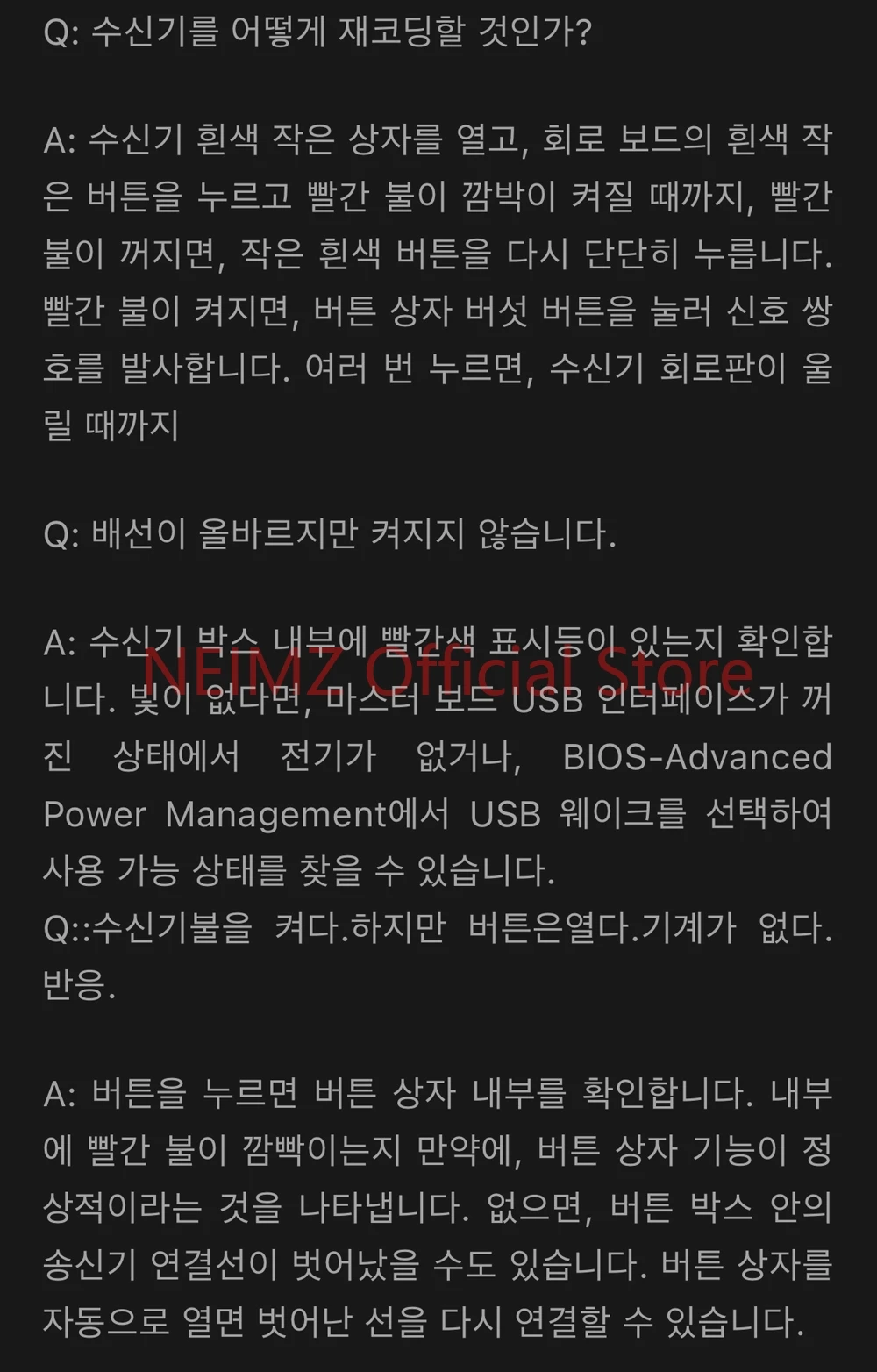
Q: How do I reset the receiver?
A: Open the small white box and press and hold the small white button on the circuit board. Let go until the red light blinks. After the red light goes out, press the small white button again. After the red light is on, press the button and the mushroom button several times until the receiver circuit board (click).
Q: The wiring is correct but it cannot boot
A: Check whether there is a red light inside the receiver box, if there is no light, it may be that the motherboard USB interface is not powered off, it is recommended to enter the BIOS-Advanced Power Management to find the USB Wake Up Select Enabled State.
Q:receiver Light the lamp, But the button On Machine without reaction
A: Check the inside of the button box after the button is pressed, whether there is a flashing red light inside, if there is, then the button box function is normal, if not, it may be the button box transmitter link line off, you can independently open the button box will fall off the line link back.
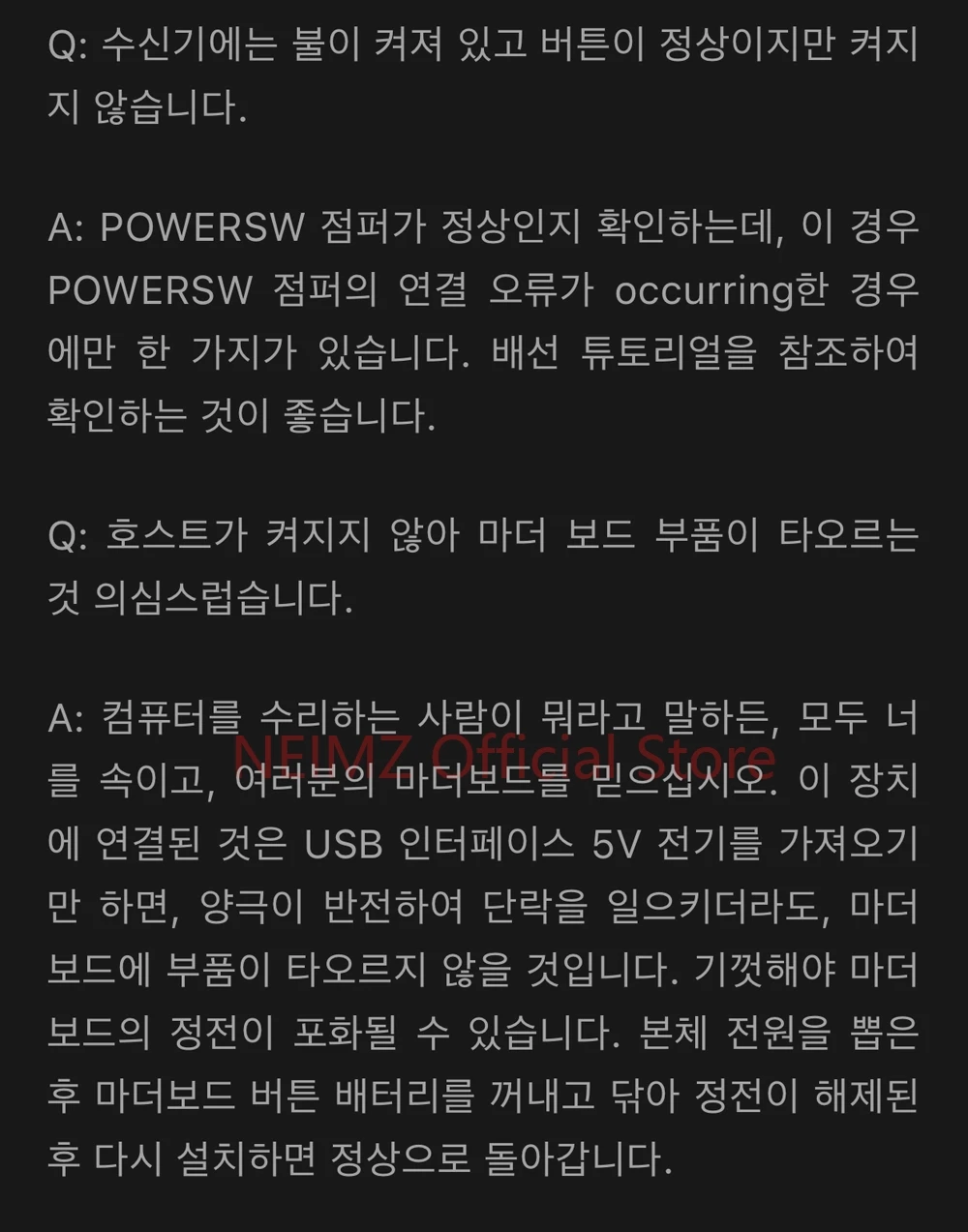
Q: The receiver has a light, the button is normal, but it cannot boot
A: Check if the POWERSW jumper is normal. There is only one case in which the POWERSW jumper is wiring wrong. It is recommended to refer to the wiring tutorial check.
Q: The host can not boot, it is suspected that the motherboard component burned out,
A: No matter which repair the computer with you to say so, are lying to you, please believe that your own motherboard, this device is only to take the USB interface 5V electricity, even if the positive and negative reverse connection caused by a short circuit, it will not cause the motherboard components burned. At most lead to the main board static saturation, can be unplugged the host power supply, the motherboard button battery removed, wipe the release of static electricity, and then install back to normal.